Developer storage
AI Is Coming for Your Job. Its Coding Tools Are Coming for Your SSD.
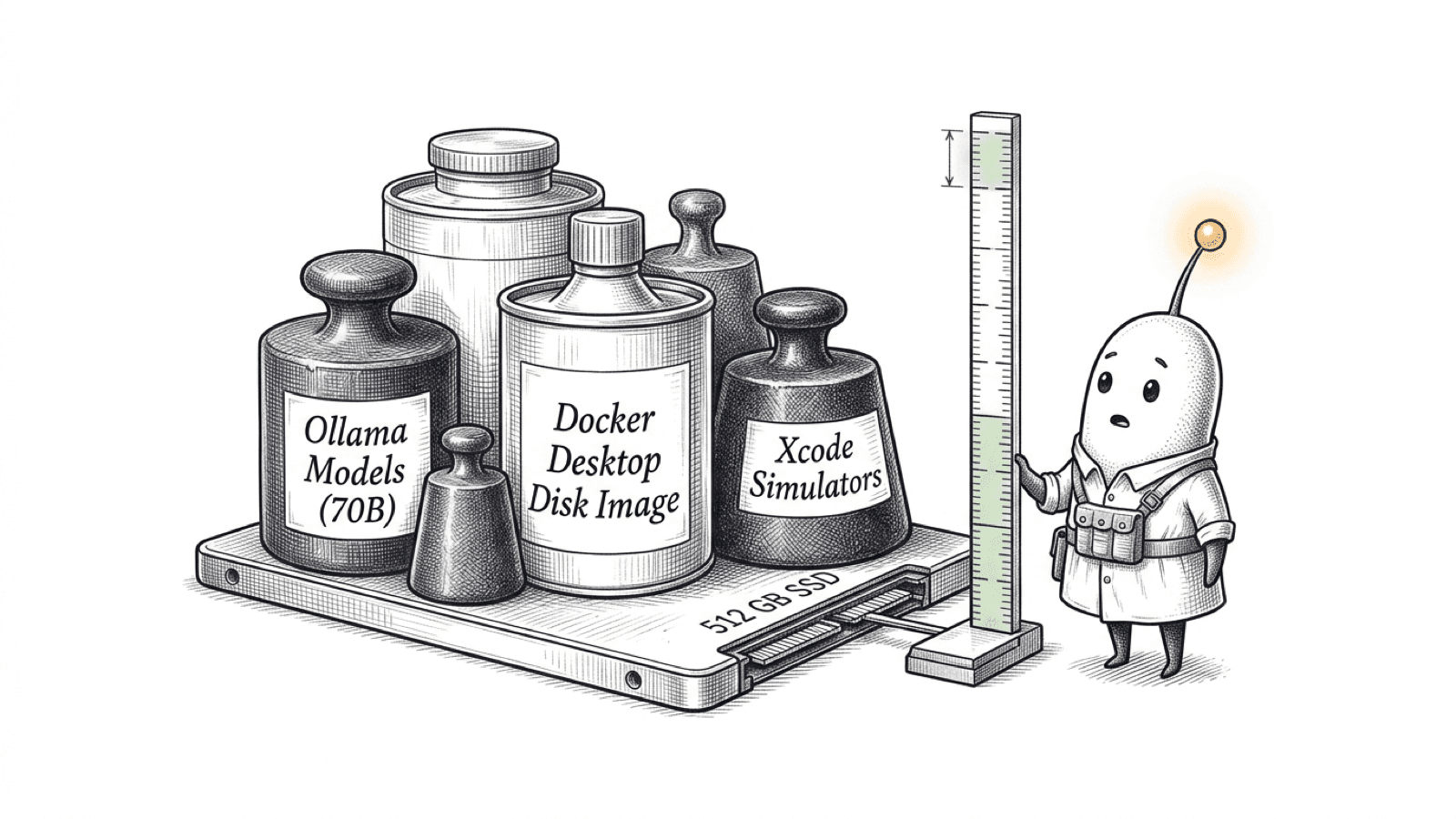
The job-loss line is a provocative headline, not a prediction about an individual. The storage question is practical: local models, Docker, Xcode, and project data all draw from the same SSD. Measure your own workload before choosing a MacBook capacity.
 Diskfern Team11 min readUpdated
Short answer
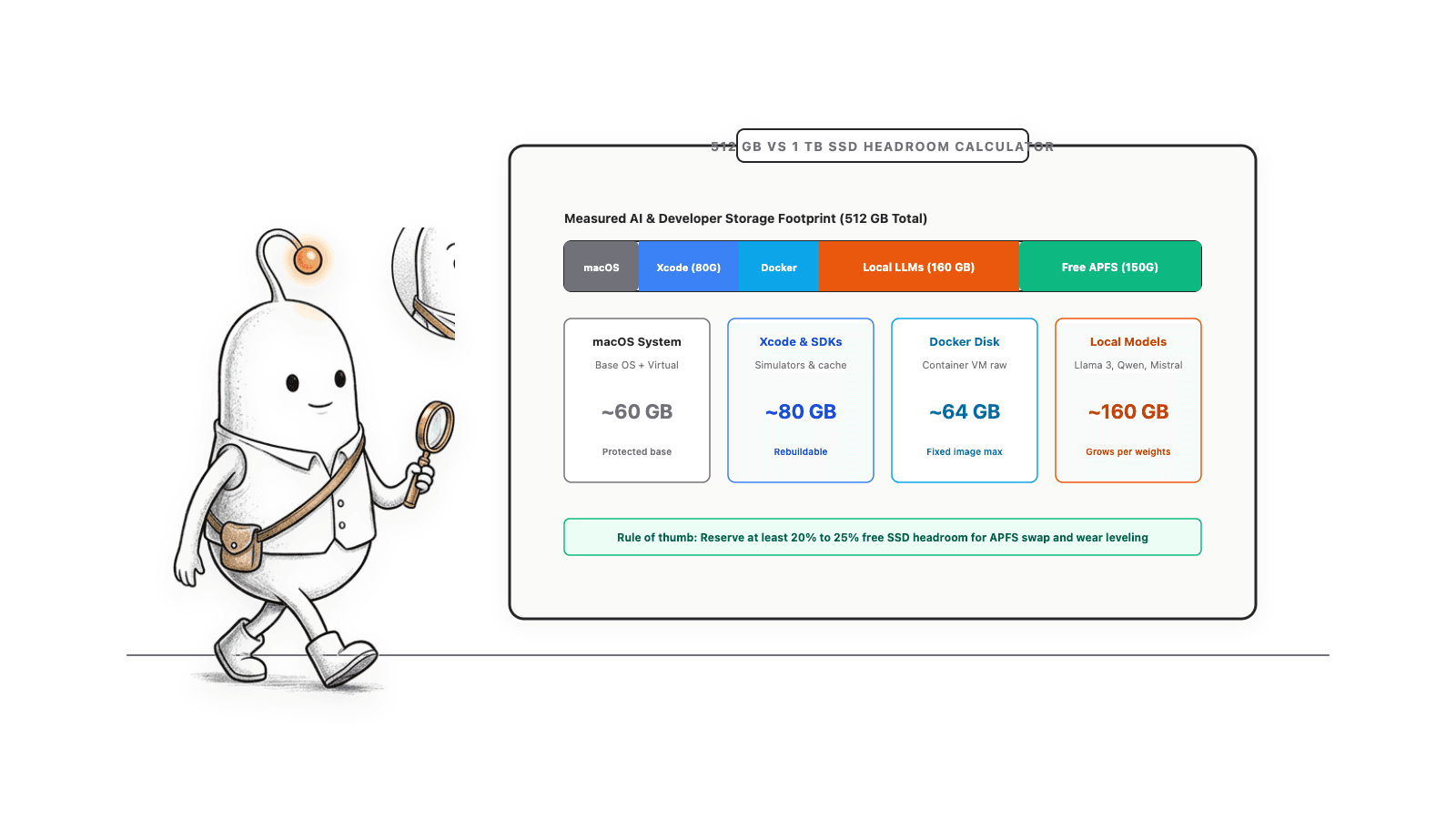
There is no one MacBook storage tier that fits every coding or AI workflow. Add your measured project, local-model, Docker, Xcode, app, and system storage, then account for the free space you want to keep. Local models can take tens to hundreds of gigabytes, while Docker and simulator storage vary by use. Check current Apple requirements and the exact model sizes you plan to download; do not treat a headline capacity as usable free space.
What does the headline claim about AI and jobs?
The first sentence is a rhetorical hook, not a factual prediction that a particular person or occupation will disappear. Pew Research Center measured what U.S. adults expect may happen to jobs; its survey is not evidence of actual job losses caused by AI.
Pew surveyed 3,488 U.S. adults from June 22 to 28, 2026. In that survey, 71% said they think AI will lead to fewer U.S. jobs over the next 20 years; among adults under 30, 73% said this. These figures describe respondents’ expectations. The guide below focuses on the separate, measurable question of storage use.
Read more: Pew Research Center: views on AI and jobs
Storage is not RAM, though swap uses the startup disk
RAM is working memory used while apps run. SSD storage holds macOS, applications, project files, downloaded models, and other data. A Mac with more RAM does not have more SSD capacity.
There is one connection: Apple’s Activity Monitor guide says “Swap Used” is the amount of space on the startup disk used to swap unused files to and from RAM. Swap is distinct from installed storage capacity, but it occupies disk space while in use. You can check it in Activity Monitor under Memory.
Read more: Apple Support: View memory usage in Activity Monitor
What can use storage in an AI development workflow?
The exact footprint depends on what you install, which versions you use, and where each tool stores its data. These are separate categories, so measure them instead of treating all developer storage as one cache.
| Category | What official sources say | What to measure |
|---|---|---|
| Local models with Ollama | Ollama says models can be tens to hundreds of GB. On macOS, model files are stored under ~/.ollama/models by default; OLLAMA_MODELS can point to a different location. | Check the size of each model you intend to use and the current model library entry before downloading it. |
| Hugging Face downloads | The Hub caches files locally. Its documentation says earlier revisions are kept when a newer revision is downloaded; identical blobs can be shared, so folder totals can include links to shared data. | The default Hub cache is ~/.cache/huggingface/hub, unless HF_HOME, HF_HUB_CACHE, or related settings change it. |
| Docker Desktop | Docker Desktop stores Linux containers and images in a disk image. Its settings show both the maximum size and actual space used; other tools may report the maximum instead. | Check Resources settings or run docker system df. Do not reduce the disk-image maximum casually: Docker documents that doing so deletes the current disk image and its containers and images. |
| Xcode and simulators | Xcode’s Components settings show installed components and the storage that can be recovered by removing or disabling them. | Check Xcode > Settings > Components for the runtimes and platforms you installed. Keep components required by projects you still build. |
| Projects, dependencies, and build output | npm installs local dependencies into a project’s node_modules; Python virtual environments hold their own interpreter and packages; frameworks such as Next.js keep generated build cache data. | Measure active project folders, .venv, node_modules, and framework output separately. Some package managers share package data, so visible folder sizes may overlap. |
| Coding-agent history | Coding agents can store local sessions, settings, logs, or caches, separately from source projects. | Use the tool’s documented path and retention controls. See the Claude Code and Codex guide and Cursor guide. |
| Apple Intelligence | Apple’s current support page lists up to 14 GB on certain newer eligible Macs and up to 8 GB on other eligible Mac models. It says usage can temporarily exceed those amounts during and shortly after software updates. | Check Apple’s current requirements for your Mac and software version; do not use an old third-party estimate as a fixed allowance. |
Read more: Ollama: macOS storage locations and model sizes · Ollama: model locations and OLLAMA_MODELS setting · Hugging Face: cache behavior and revisions · Hugging Face: cache locations and configuration · Docker: disk image storage on Mac · Docker: docker system df · Apple Developer: Downloading and installing Xcode components · npm: local and global package installation folders · pnpm: symlinked node_modules structure and shared store · Next.js: CI build caching · Python: virtual environments · Apple Support: Apple Intelligence requirements
How to audit a Mac before choosing storage
Start with the Mac you have, if available. These commands report current usage; they do not remove files. Replace ~/code with your project folder. The default model and cache paths below may differ if you configured another location.
Check space on the filesystem containing the startup volume:
df -h /Measure common local model, Hub cache, and npm cache folders. A missing result means that path may not exist or may be configured elsewhere:
du -sh "$HOME/.ollama/models" "$HOME/.cache/huggingface/hub" "$HOME/.npm" 2>/dev/nullList the largest folders directly inside your code directory. macOS du supports -d for output depth; sort -n orders the kilobyte totals numerically:
du -k -d 1 "$HOME/code" 2>/dev/null | sort -n | tail -15Docker Desktop must be available for its daemon usage report. docker system df shows Docker’s accounting categories; Docker Desktop settings show the disk image’s actual and maximum sizes:
docker system dfFor Xcode, open Xcode > Settings > Components. Apple says this view lists installed components and the storage recoverable by removing or disabling them. Component labels can vary by Xcode version.
These readings are a snapshot of current use, not a forecast. Add the models and tools you plan to install, and leave a reserve that fits your own workflow. That reserve is a planning choice, not an Apple or industry standard.
Read more: macOS 26.7 man page: df · macOS 26.7 man page: du · macOS 26.7 man page: sort · Ollama: macOS storage locations and model sizes · Hugging Face: cache locations and configuration · npm: cache commands, location, and verification · Docker: docker system df · Docker: disk image storage on Mac · Apple Developer: Downloading and installing Xcode components
How to decide between 512 GB, 1 TB, and more
There is no universal capacity recommendation. Use a budget based on your own measured data and the exact models and development tools you expect to use; storage options and prices vary by Mac model and can change.
| Budget item | How to get your number |
|---|---|
| macOS and applications | Check current use on your Mac and the requirements for apps you plan to install. |
| Apple Intelligence | Use Apple’s current storage requirements for your Mac and macOS version. |
| Active projects and dependencies | Measure your project folder and the dependencies needed for work you keep. |
| Local models | Add the specific model files you plan to keep locally; Ollama notes that models can range from tens to hundreds of GB. |
| Docker | Check Docker Desktop’s actual disk-image use and the images, containers, and volumes you intend to retain. |
| Xcode and simulators | Use Xcode Components settings to see installed components and their recoverable sizes. |
| Free-space reserve | Choose a margin that suits your update, build, and download needs. There is no single official headroom figure for all developers. |
- A 512 GB configuration may fit a workflow whose measured and planned storage leaves the free-space reserve you want. It can be a tight fit if you add large local models, Docker data, or several simulator runtimes.
- A 1 TB or larger configuration gives more nominal capacity, but it does not guarantee enough room for every collection of models, projects, and virtual disks. Compare your budget with the capacity Apple offers for the exact model you are considering.
- If you have no current Mac to measure, write down the models, IDEs, simulators, projects, and containers you expect to install. Use official per-tool docs and model pages; avoid deciding from a universal “developer needs X GB” rule.
This is a planning method, not personalized purchasing or financial advice. It intentionally leaves out current MacBook prices and model tiers because they change and should be checked on Apple’s store for the exact configuration.
Read more: Ollama: macOS storage locations and model sizes · Docker: disk image storage on Mac · Docker: docker system df · Apple Developer: Downloading and installing Xcode components · Apple Support: Apple Intelligence requirements
When an external SSD can help
External storage can hold selected data, but it changes how you access it. Ollama supports a custom model directory through OLLAMA_MODELS; Docker Desktop provides a disk-image location setting in Resources > Advanced.
- Keep frequently used projects and the tools you need available for daily work on storage that is reliably connected.
- An external SSD can be a location for archived projects or model data you access less often, if the tool supports that location and the drive remains connected when needed.
- For Docker Desktop, change the disk-image location through Docker’s settings. Docker warns not to move the image file directly in Finder because Desktop may lose track of it.
- If the external drive is disconnected, data on it is unavailable to the tools that use it. A second copy on the same external drive is not a separate backup; keep important data backed up elsewhere.
Read more: Ollama: model locations and OLLAMA_MODELS setting · Docker: disk image storage on Mac
Use Diskfern to see where developer storage sits
Diskfern can map a selected folder as a treemap, sortable list, or sunburst. Smart Highlights group recognized items such as AI models, Docker data, Xcode files, and Node.js dependencies. Filters can narrow by size, recorded age, and Diskfern’s own safety classification.
The Dormant over 180 days filter uses recorded last-use metadata. An old timestamp does not prove a project or model is unneeded. A Safe label is Diskfern’s classification, not a guarantee that an item has no value to you. Inspect the path and contents before deciding what to keep or remove.
Scanning is read-only. Cleanup is a separate, confirmed action; check the selected mode before proceeding. Diskfern helps locate and review files, but it cannot choose your required models, preserve project changes for you, or replace each tool’s own storage controls. See Developer Storage for details.
Read more: Diskfern: Developer Storage
A practical storage-planning sequence
Measure current use, add the tools you plan to run, then choose a capacity with your own reserve.
- 1
Measure your current startup-disk free space and developer folders.
- 2
Measure local-model, Docker, Hugging Face, npm, and Xcode storage separately.
- 3
Add planned models and tools using their current official size information.
- 4
Choose a free-space reserve based on your update and build workflow; do not assume one universal number.
- 5
Compare the resulting budget with the exact Mac configuration and storage options you are considering.
The Diskfern way
How Diskfern helps
Map developer storage before setting your budget
- Scan the project or developer-data folder you want to measure.
- Use the map and recognized categories to identify large paths, including model, Docker, Xcode, and Node.js data where detected.
- Review paths and tool-specific storage reports before deciding what belongs in your future storage budget.
Finding and reviewing is free. Moving items to the Trash from Diskfern is part of Pro.
Explore Developer StorageQuestions
Is 512 GB enough for AI development on a MacBook?
It depends on your workflow. Measure your projects, local models, Docker, Xcode, and apps, then add the models and tools you plan to install. Compare that total and the reserve you want with the exact configuration you are considering.
How large can local AI models be?
Ollama says model storage can range from tens to hundreds of GB. The size depends on the model and variant; check the specific model information before downloading it.
Does more RAM give a Mac more storage?
No. RAM and SSD capacity are different. Apple documents that Swap Used occupies some startup-disk space to move unused data to and from RAM, but more RAM does not add SSD capacity.
How much space does Apple Intelligence use on a Mac?
Apple’s current support page says up to 14 GB on some eligible newer Macs and up to 8 GB on other eligible Mac models. It also says use can temporarily exceed those amounts around software updates, so check the current Apple page for your device and software version.
Can I run Ollama models from an external SSD?
Ollama documents the `OLLAMA_MODELS` setting for choosing a different model directory. The drive must be available when you want to use those models.
Can I reduce Docker’s disk-image maximum to reclaim space?
Docker says reducing the maximum deletes the current disk image, including its containers and images. Review and back up Docker data before making that change; use Docker’s usage report and cleanup controls to assess alternatives.

Written by
Diskfern Team
We explain Mac storage using product behavior and the sources listed below. Review your app settings and backups before removing data.
Sources
- Pew Research Center: views on AI and jobs · checked November 5, 2026
- Apple Support: View memory usage in Activity Monitor · checked November 5, 2026
- Apple Support: Apple Intelligence requirements · checked November 5, 2026
- Ollama: macOS storage locations and model sizes · checked November 5, 2026
- Ollama: model locations and OLLAMA_MODELS setting · checked November 5, 2026
- Hugging Face: cache behavior and revisions · checked November 5, 2026
- Hugging Face: cache locations and configuration · checked November 5, 2026
- Docker: disk image storage on Mac · checked November 5, 2026
- Docker: docker system df · checked November 5, 2026
- Apple Developer: Downloading and installing Xcode components · checked November 5, 2026
- npm: local and global package installation folders · checked November 5, 2026
- npm: clean install and lockfile behavior · checked November 5, 2026
- npm: cache commands, location, and verification · checked November 5, 2026
- pnpm: symlinked node_modules structure and shared store · checked November 5, 2026
- Next.js: CI build caching · checked November 5, 2026
- Python: virtual environments · checked November 5, 2026
- pip: inspect and manage its cache · checked November 5, 2026
- Git: git clean and dry-run behavior · checked November 5, 2026
- Git: commit reachability and remote-tracking refs · checked November 5, 2026
- Git: worktrees share one repository · checked November 5, 2026
- macOS 26.7 man page: du · checked November 5, 2026
- macOS 26.7 man page: df · checked November 5, 2026
- macOS 26.7 man page: sort · checked November 5, 2026
- Diskfern: Developer Storage · checked November 5, 2026
Keep reading
Explore more developer storage guides, cache management, and tools.
Local AI model hardware limitations
Understand local AI model hardware limitations across VRAM, Apple Silicon unified memory, memory bandwidth, KV cache growth, GPU drivers, and SSD storage.
Claude Code and Codex storage on Mac
Measure Claude Code and Codex storage on your Mac, protect useful session history, and inspect their folders safely before you delete anything.
Cursor storage on Mac
Find where Cursor stores chat history (state.vscdb), Agent worktrees and project data, then free up space safely using Cursor's own cleanup tools.
Find and delete node_modules on Mac
node_modules folders are reinstallable, easy to forget about, and surprisingly heavy. Here's how to find every one on your Mac and clear them safely.
Developer Storage
Bring Xcode, Android, Docker, package caches, and local AI models into one readable map.

Get your space back. Start with a free scan.
Explore the files and folders Diskfern can read. Your files stay on your Mac, and nothing is removed until you say so.
macOS 14 Sonoma or later · Apple silicon and Intel