 Diskfern
Sunburst
See how storage nests, ring by ring
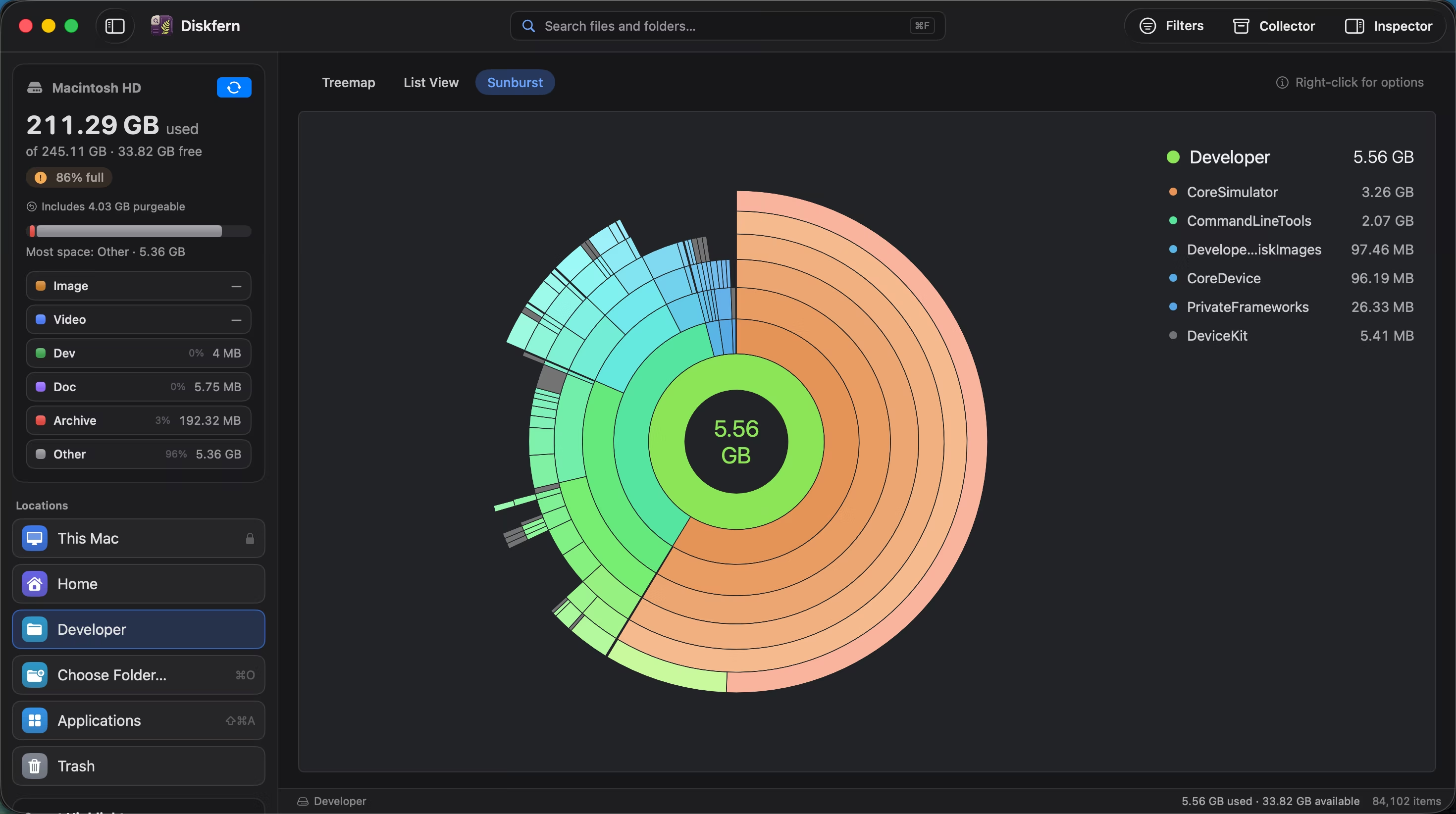
Start at the centre and follow folders outward. Sunburst makes deep storage hierarchies easier to understand at a glance.
Short answer
Sunburst draws the current folder in the centre and each deeper level as another ring. Select a segment for details or open it to make that folder the new centre.
01
Follow the hierarchy outward
Each ring represents another level, so you can see whether space comes from one deep branch or many smaller ones.
- Seven visible levels
- Size-proportional segments
- Colour continuity
02
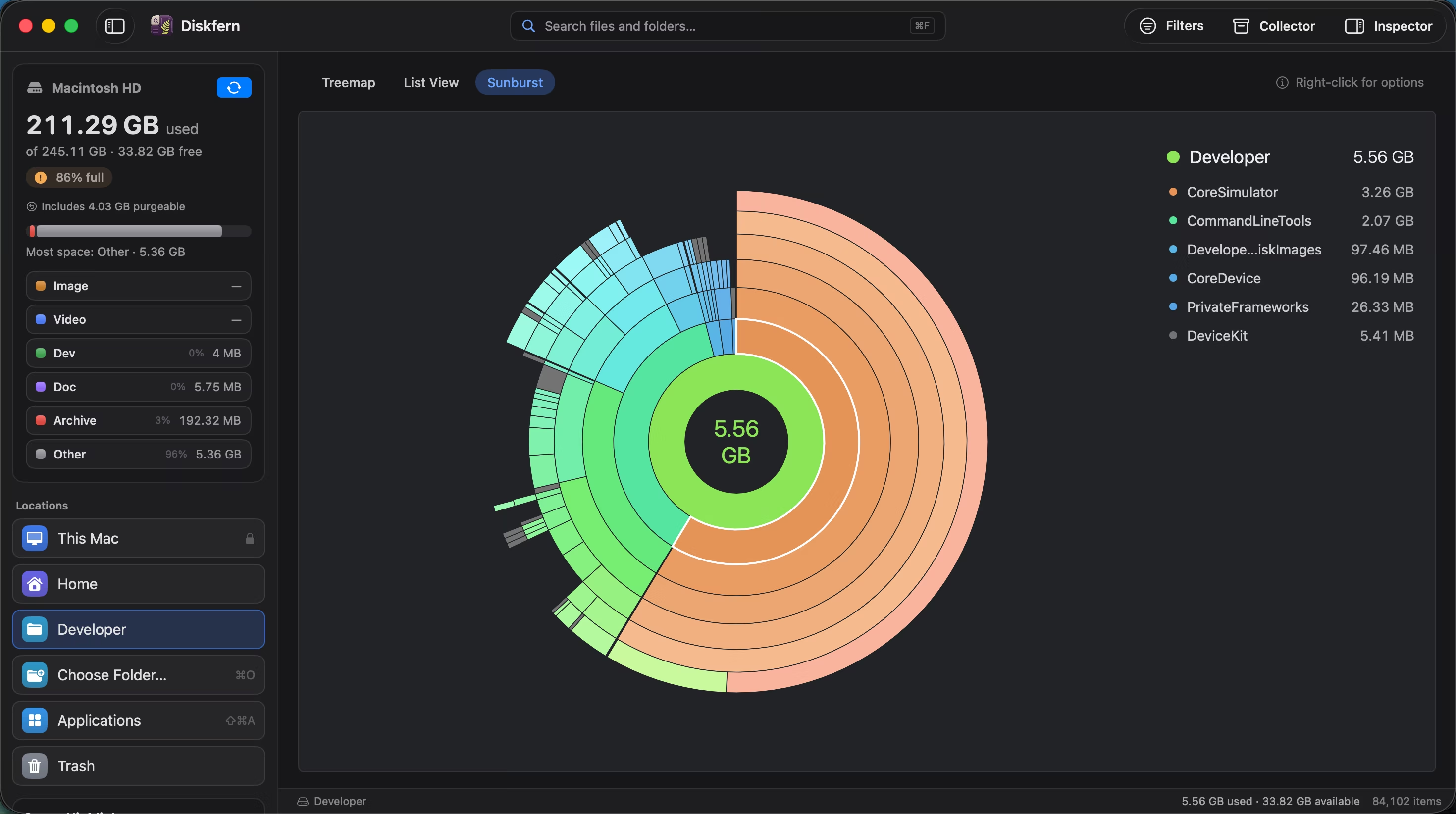
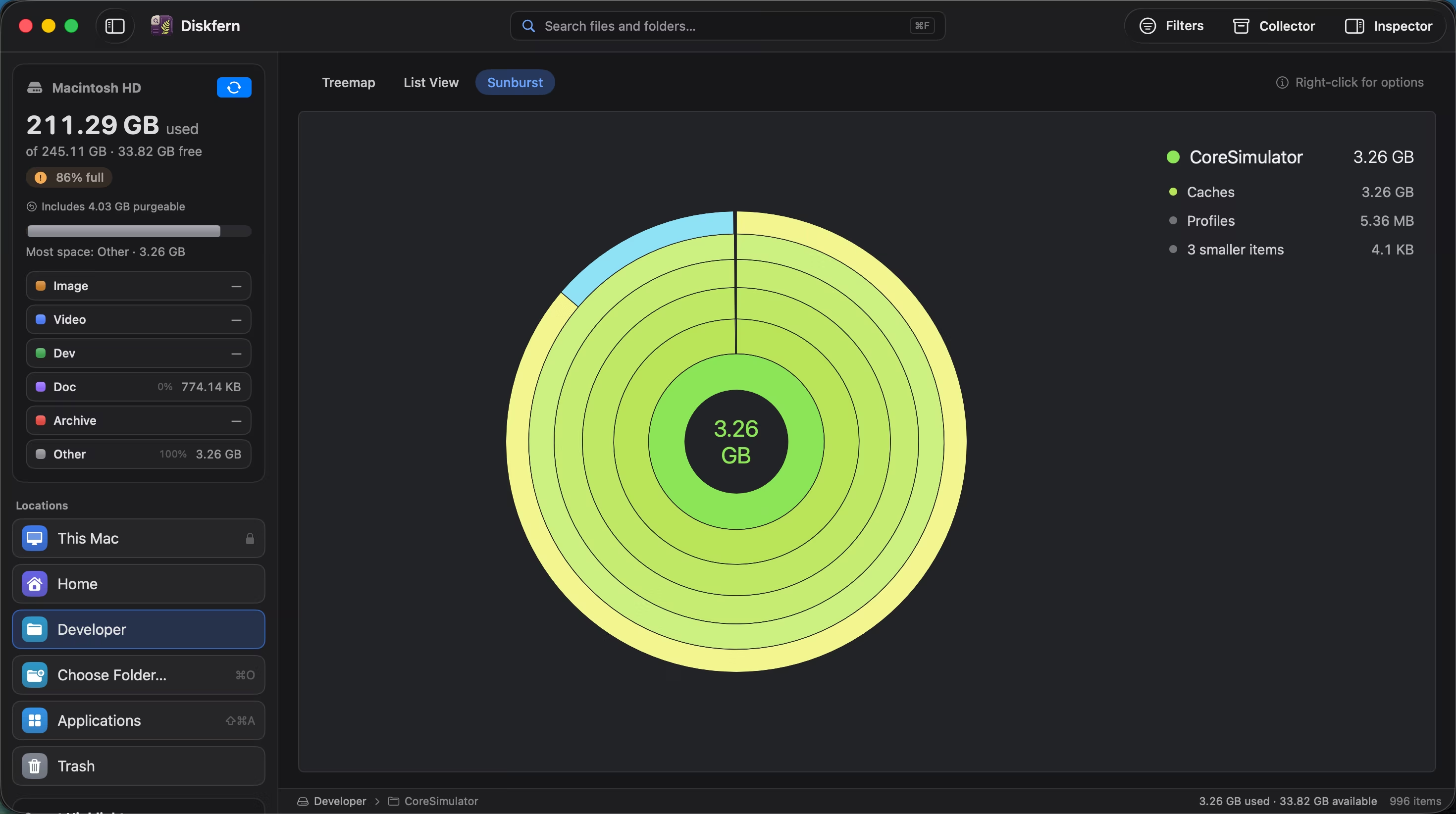
Make a folder the centre
Double-click a segment to focus on that folder, then click the centre to move back up.
- Drill down
- Navigate upward
- Legend updates with context
03
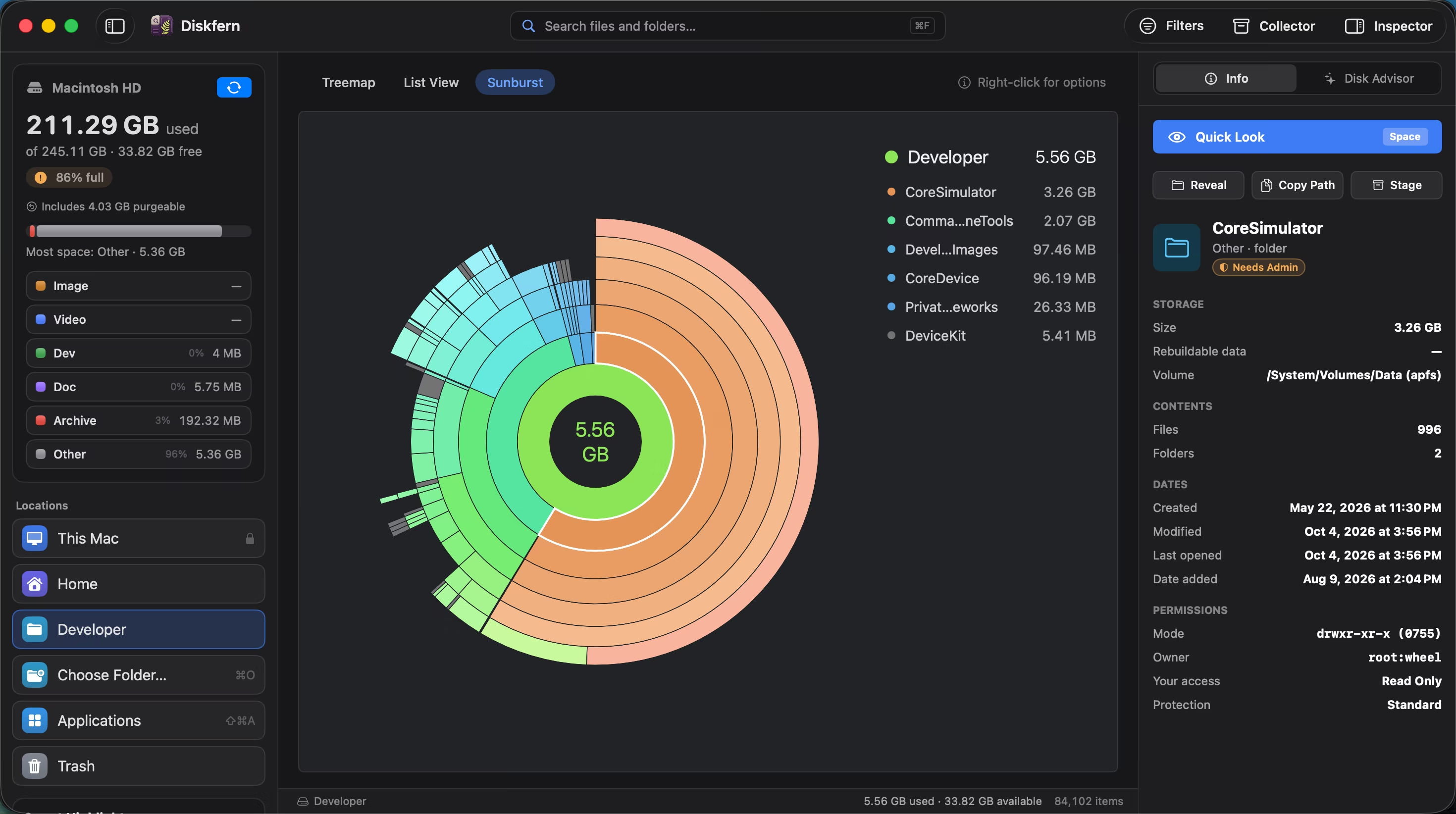
Inspect without leaving the view
Selection opens the same item facts and actions available from Treemap and List view.
- Show Info
- Quick Look
- Safety status
Questions about Sunburst
What does each ring mean?
Each ring is one folder level farther from the centre.
Can I click a segment?
Yes. Click to select it and double-click to open a folder.
How do I go back up?
Click the centre or use Enclosing Folder.
Does selection carry to other views?
Yes. Diskfern keeps your place when you switch views.

Get your space back. Start with a free scan.
Explore the files and folders Diskfern can read. Your files stay on your Mac, and nothing is removed until you say so.
macOS 14 Sonoma or later · Apple silicon and Intel