 Diskfern
Developer storage
Reclaim the space your dev tools quietly take
Bring Xcode, Android, Docker, package caches, and local AI models into one readable map.
Short answer
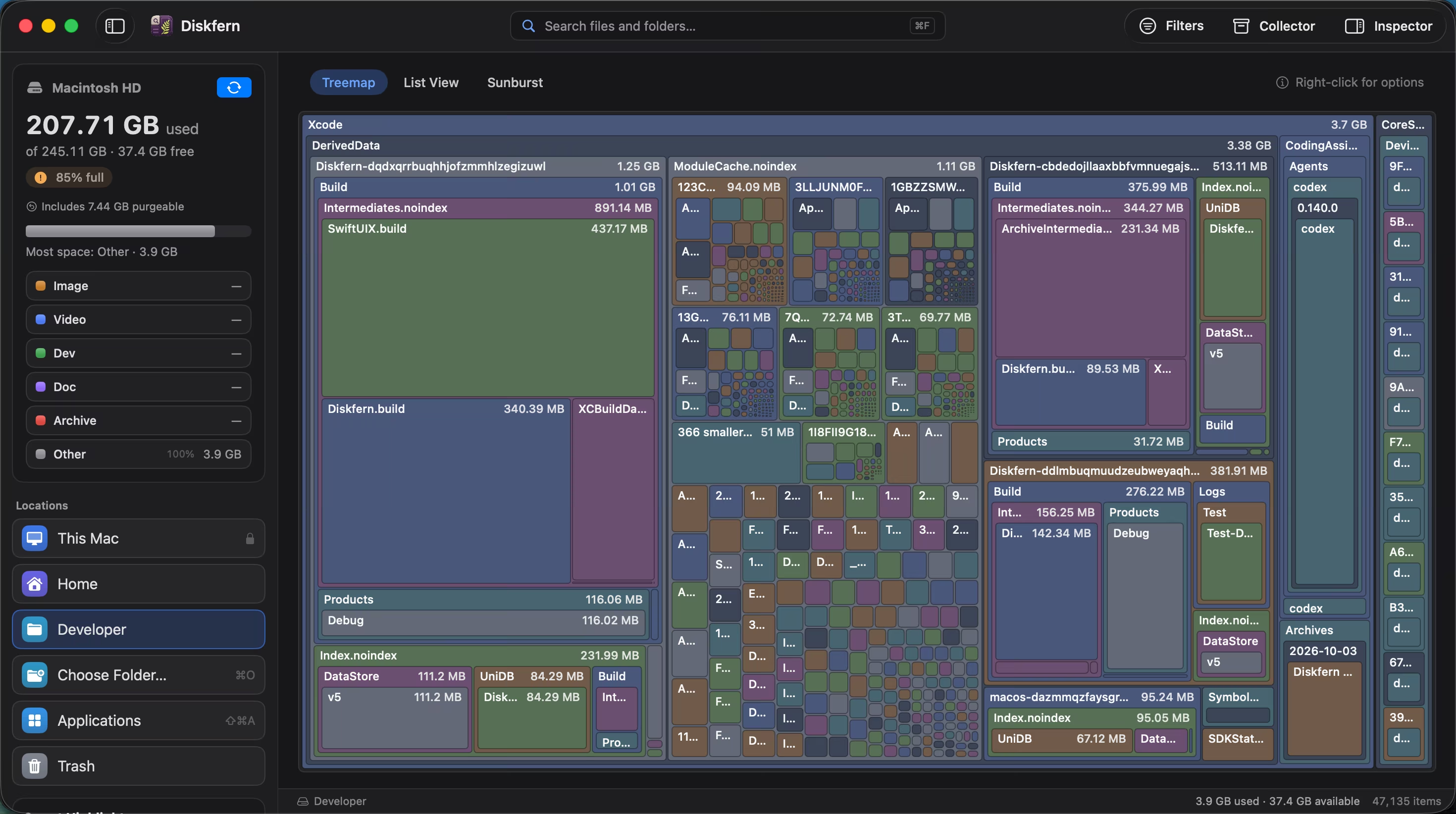
Diskfern recognises storage created by common developer workflows and keeps the real path visible. It helps you separate rebuildable artifacts from source code, active environments, and personal project files.
01
Find the usual suspects
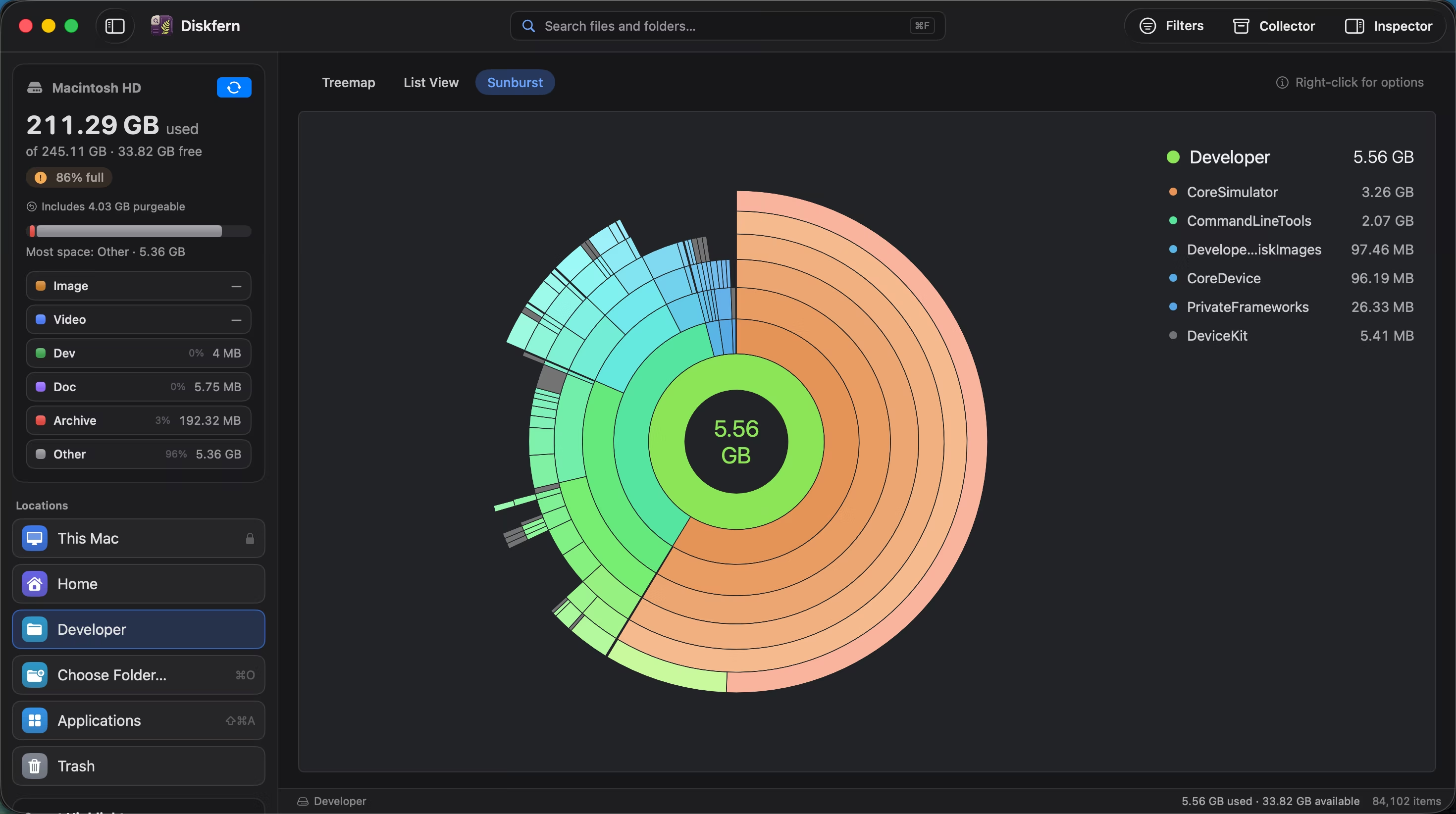
Developer storage often lives in hidden folders and grows across several toolchains.
- Xcode DerivedData and simulators
- Android SDK, AVD, and Gradle
- Docker, node_modules, and AI models
02
Paths stay visible
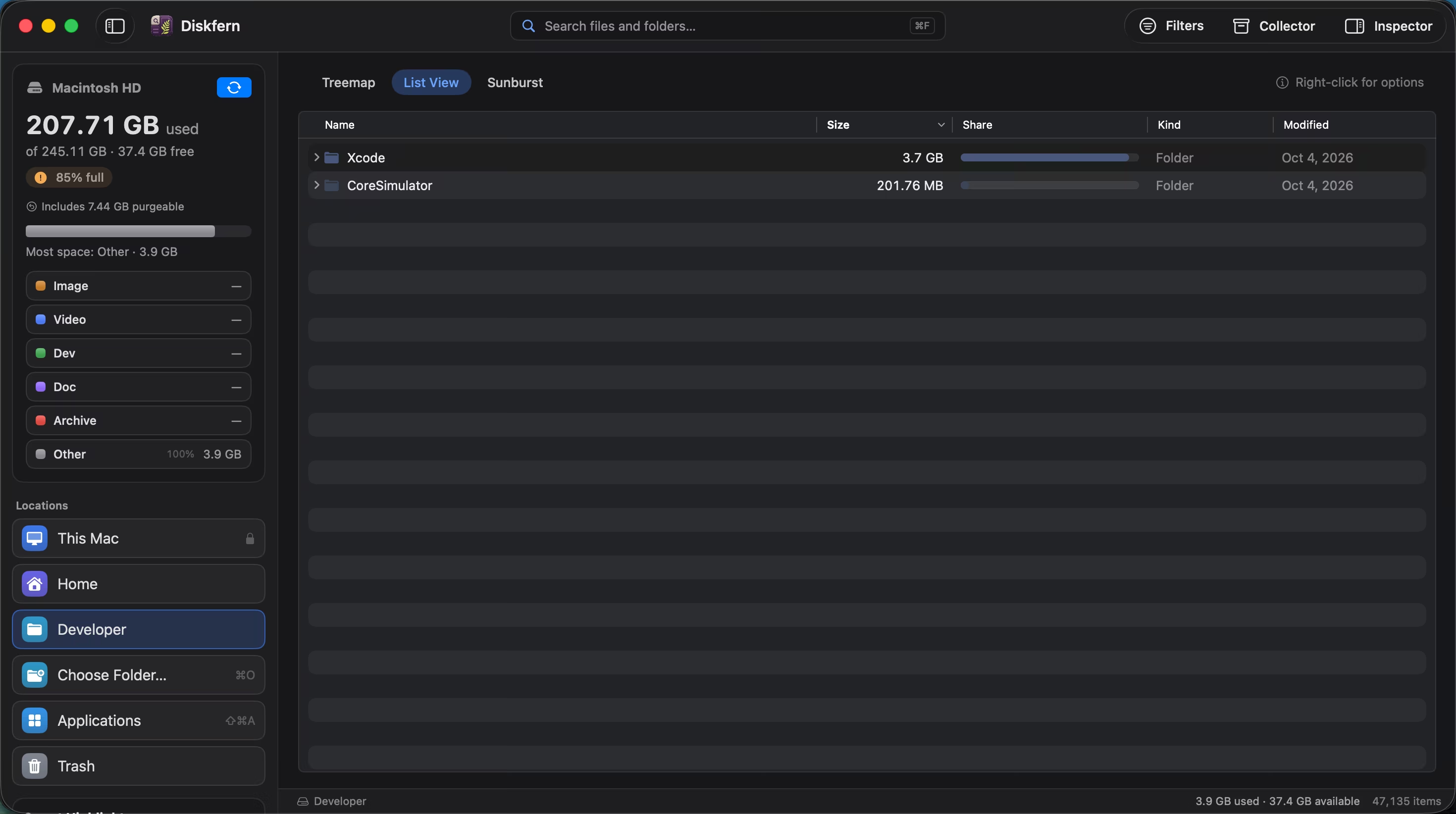
Names alone are not enough. Diskfern keeps folder context close to every decision.
- Copy full paths
- Reveal in Finder
- Drill down without rescanning
03
Review project data separately
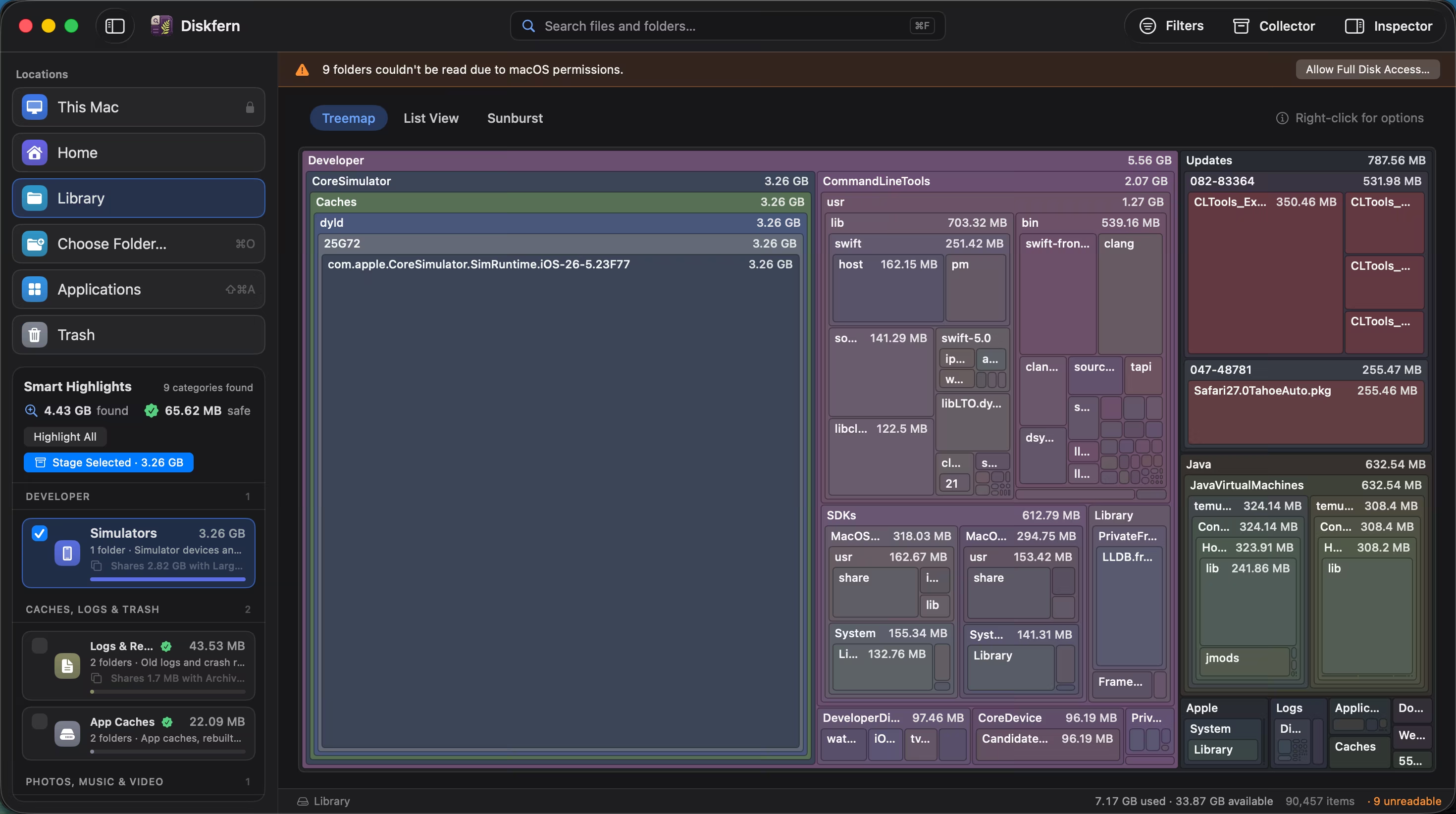
Build artifacts and personal project folders are not treated as the same thing.
- Rebuildable data marked Safe
- Projects require review
- System files remain protected
Questions about Developer storage
Can I delete every node_modules folder?
Review whether a project is active first. Dependencies can be reinstalled, but doing so takes time and network access.
Does Diskfern understand Xcode storage?
It groups common Xcode locations while preserving their paths and safety context.
Can it find local AI models?
It can surface common model-storage locations for review.
Will it delete my source code?
Personal and project files are review-first, not silently removed.
Related guides

Get your space back. Start with a free scan.
Explore the files and folders Diskfern can read. Your files stay on your Mac, and nothing is removed until you say so.
macOS 14 Sonoma or later · Apple silicon and Intel