 Diskfern
Coming soon
Be the first to try Diskfern
Diskfern isn’t available to download yet. Join the waitlist and we’ll email you when it is.
Requirements
- macOS 14 Sonoma or later
- A Mac with Apple silicon or an Intel processor
- Disk Advisor: macOS 26 or later on a Mac that supports Apple Intelligence
Install in three steps
- Open the downloadOpen the file you downloaded and move Diskfern to your Applications folder.
- Open DiskfernOpen it from Applications. The first time, macOS asks you to confirm you want to open it.
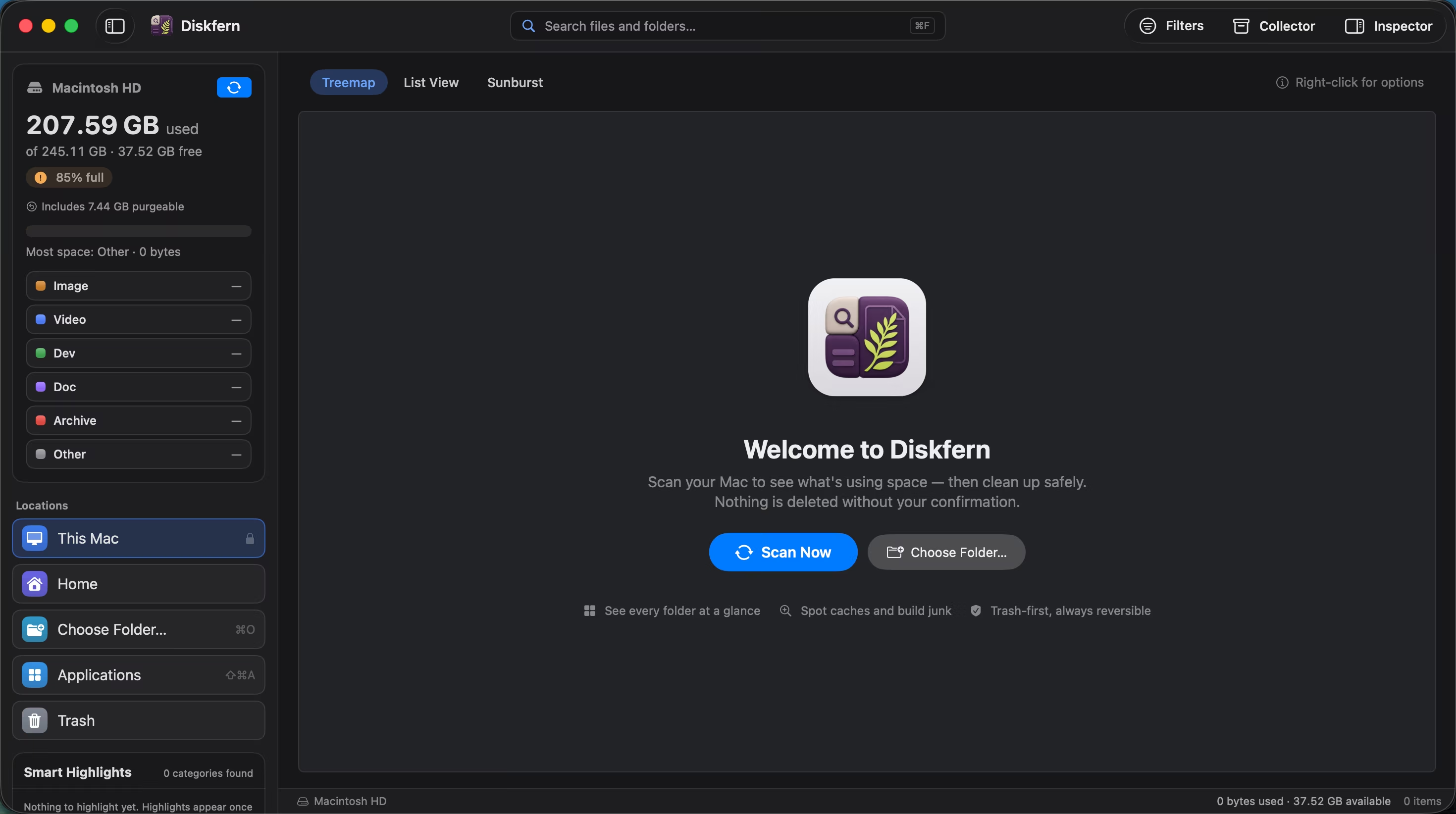
- Scan your MacChoose This Mac, Home or a folder. Full Disk Access is optional and lets Diskfern measure protected folders.
Your files and storage analysis stay on your Mac
Diskfern scans on your Mac and never uploads your files, their names or your scan results. Full Disk Access only lets it measure folders macOS protects, such as Mail and Messages. Read the Privacy Policy or the Full Disk Access guide.