 Diskfern
List view
When you want the exact number, use the list
Sort names, sizes, shares, kinds and dates in a precise table, then expand folders without leaving your place.
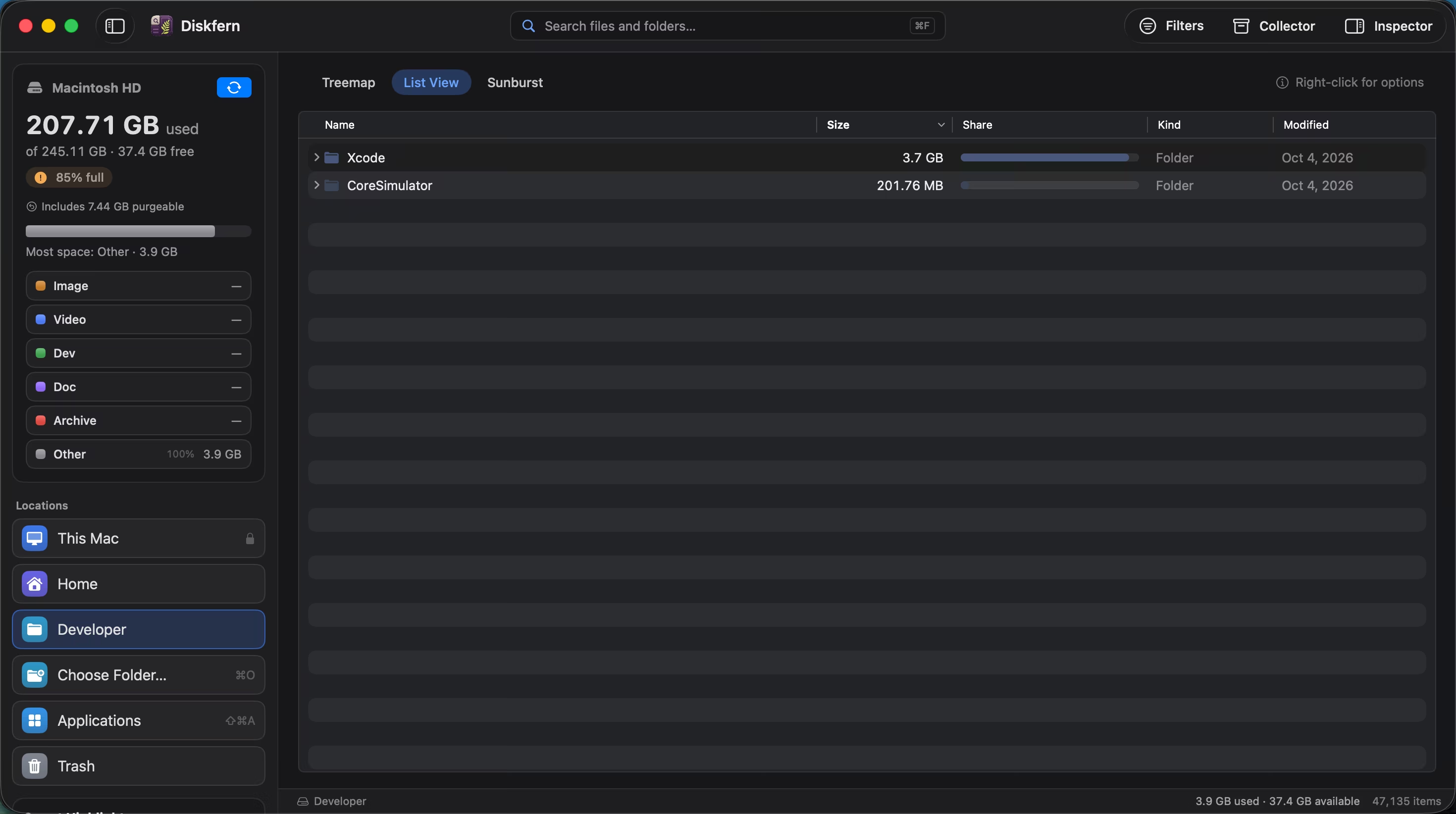
Short answer
List view presents the same scan as a sortable hierarchy. It is the practical companion to the visual maps when you need exact sizes, modified dates, or a largest-first comparison.
01
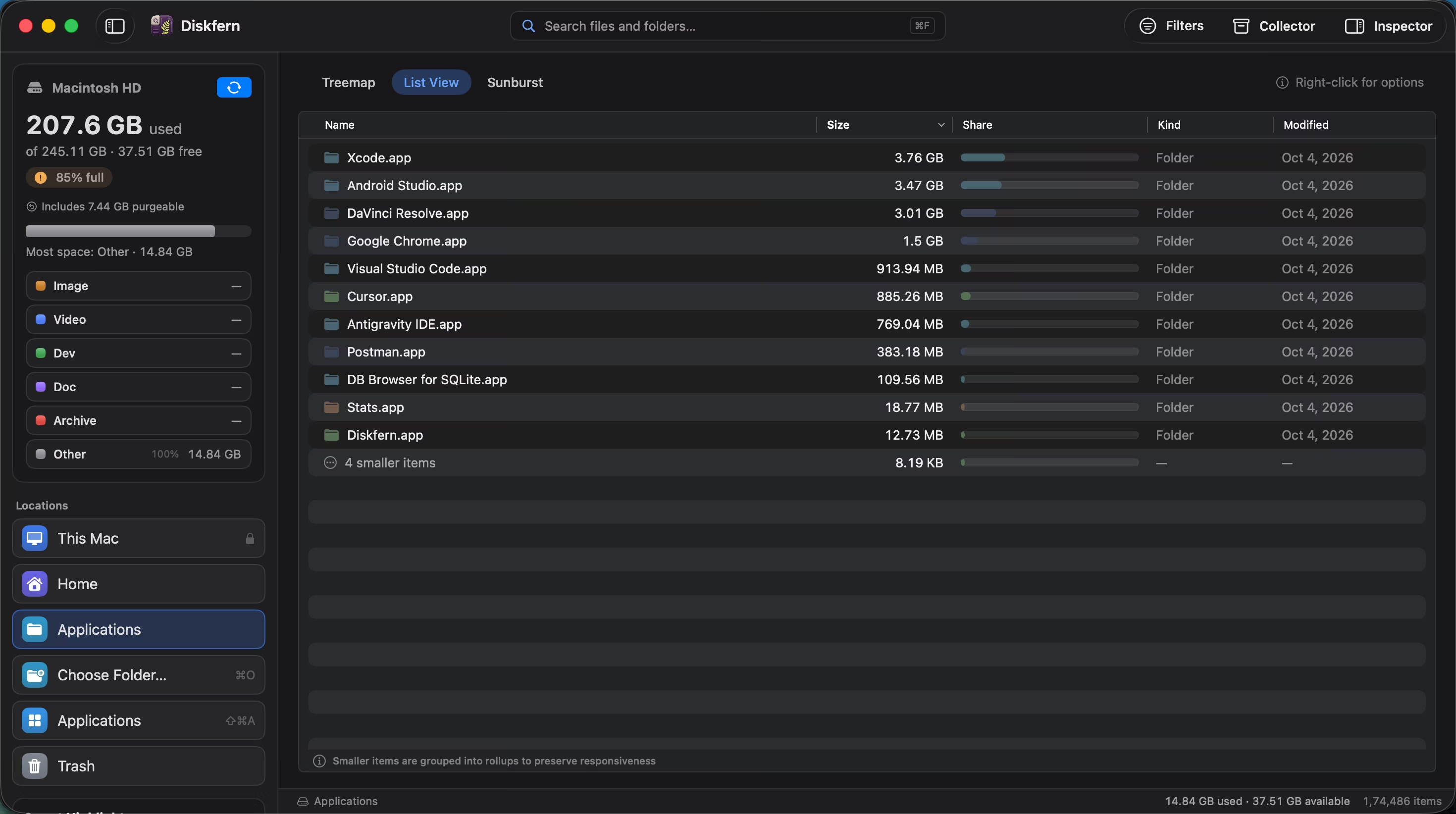
Compare exact sizes
Sort by size and use share bars to see the difference between similar-looking folders.
- Sortable columns
- Exact disk usage
- Share bars
02
Expand folders in place
Follow a hierarchy without replacing the whole view or forgetting where you began.
- Expandable rows
- Folder context
- Modified dates
03
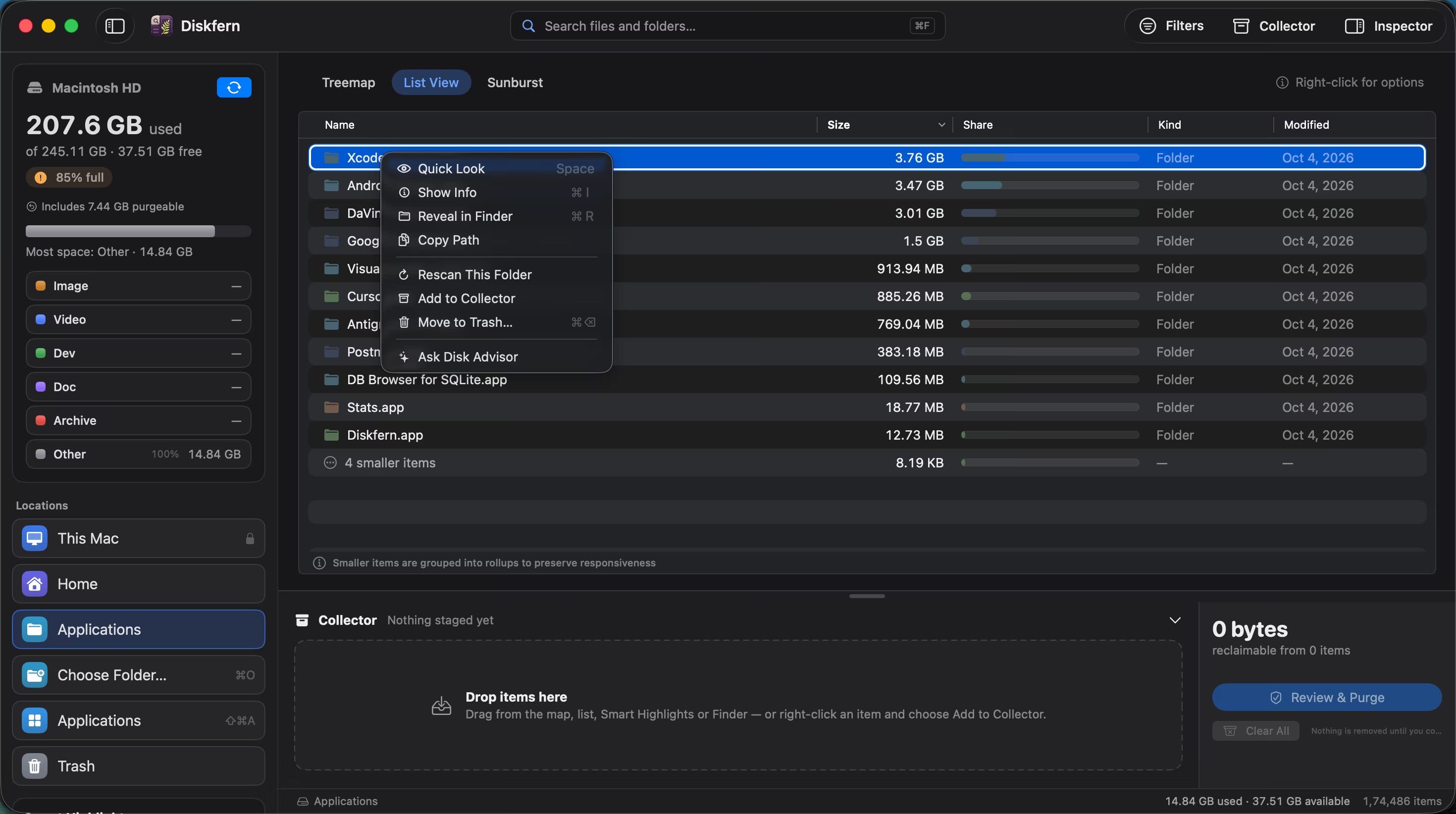
The same actions are still close
Select or right-click a row to inspect it, preview it, add it to the Collector, or ask Disk Advisor.
- Quick Look
- Show Info
- Collector actions
Questions about List view
Can I sort by size?
Yes. List view is designed for exact size comparison.
Does it show folders and files?
Yes, with folders expandable in place.
Can I switch back to a map?
Yes. Your location and selection carry between views.
Does it update during scanning?
Yes. The list refreshes as scan results arrive.

Get your space back. Start with a free scan.
Explore the files and folders Diskfern can read. Your files stay on your Mac, and nothing is removed until you say so.
macOS 14 Sonoma or later · Apple silicon and Intel